Hands-On AV Training With Professional Equipment
AV Careers students learn by working with professional audio, video, lighting, cabling, and event production equipment — the same categories of gear used on corporate general sessions, concerts, worship services, and streamed events across Southern California.
Learn By Doing
Students do not simply watch demonstrations. They participate in equipment setup, operation, troubleshooting, breakdown, and full production workflows. An instructor shows the technique once, then students repeat it until it is reliable — including the awkward parts, like rerouting a signal when a channel fails minutes before a rehearsal.
That repetition matters. On a live event there is no pause button, and confidence comes from having already done the task with your own hands.
Professional Audio Training
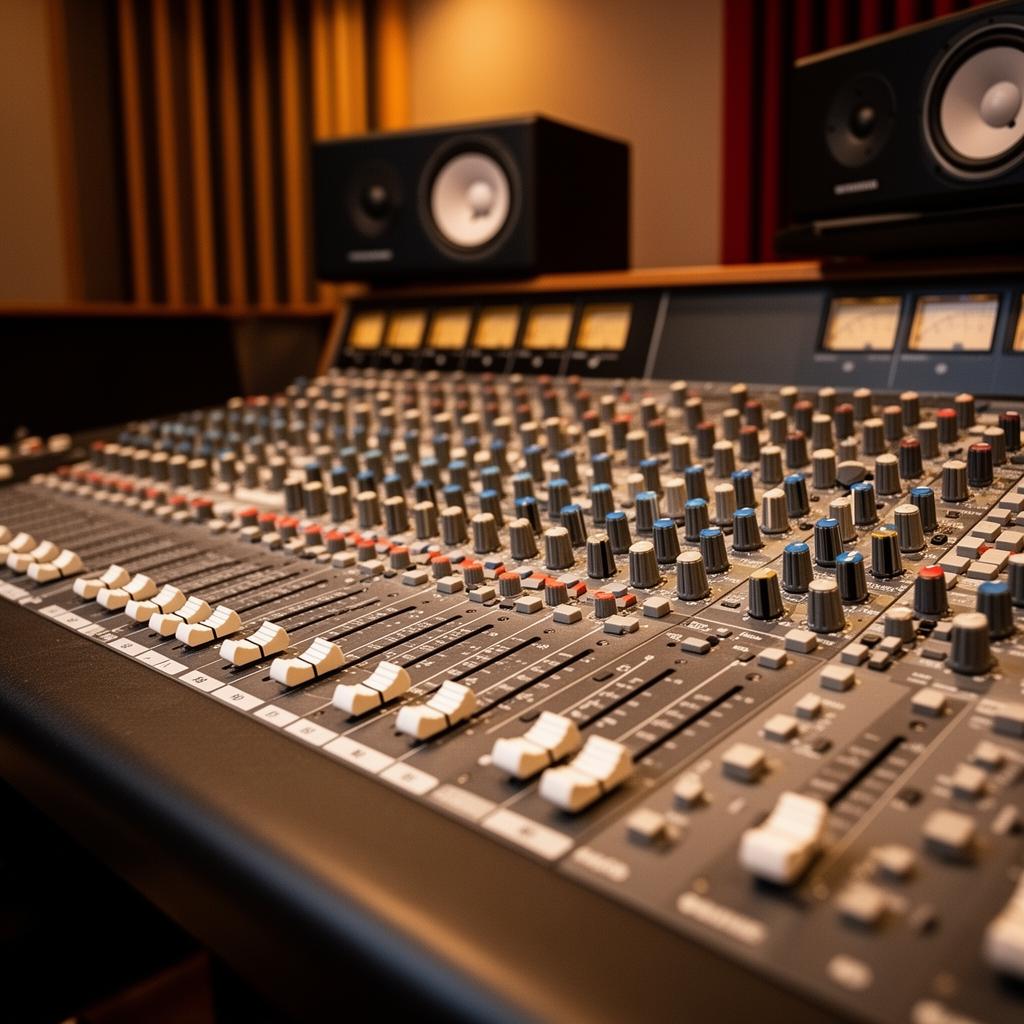
- Digital audio consoles — channel setup, gain structure, routing, and mixing
- Microphones — selection, placement, and handling for speech and music
- Speakers — deployment, coverage, and safe system startup
- Wireless systems — frequency coordination, battery discipline, and RF checks
- Audio cabling — XLR, network audio runs, connector care, and labeling
- Signal flow — tracing a path from input to output and back again
- Stage audio equipment — stage boxes, monitors, and input lists
Professional Video Training
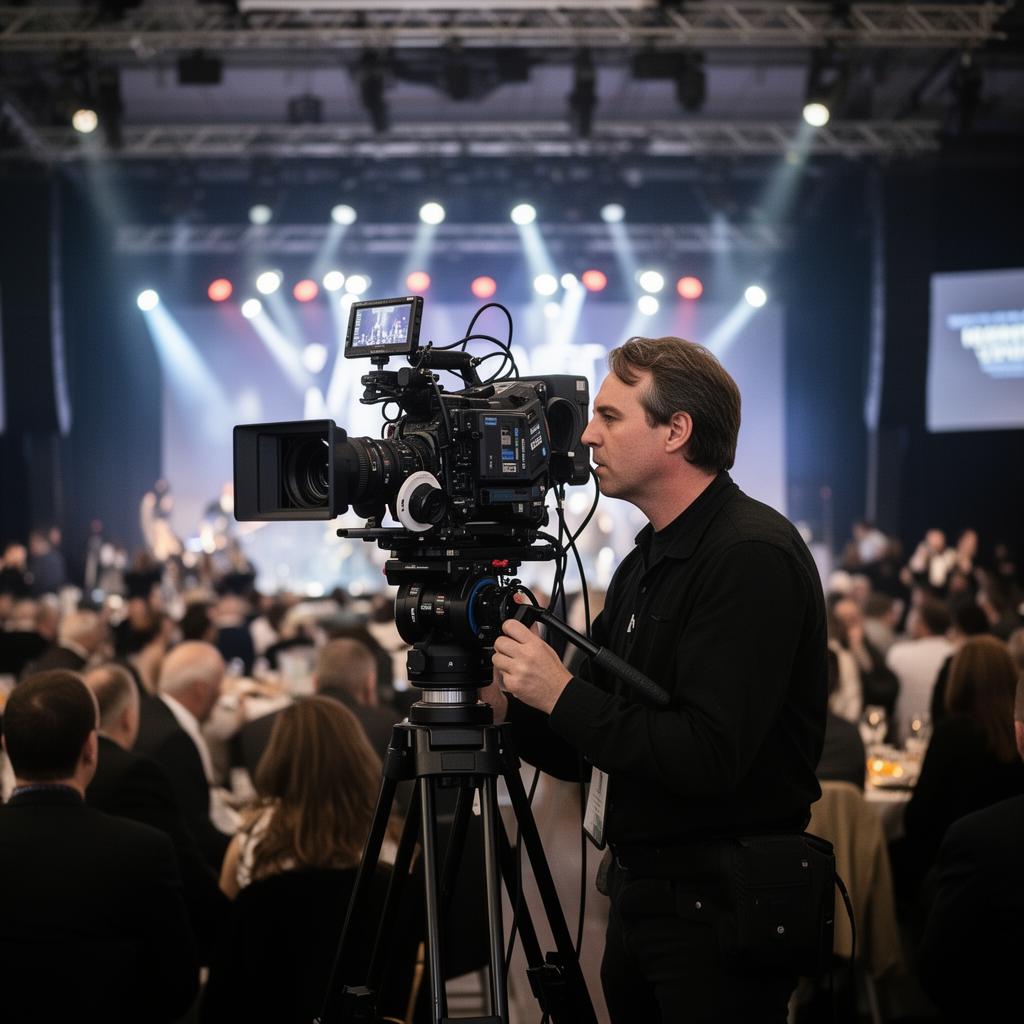
- Video signal routing and confirming a clean program path
- Displays and monitors — feeds, scaling, and confidence views
- Cameras — framing, exposure, movement, and shot discipline
- Video switching — sources, transitions, and following a director
- Presentation systems — slide playback and presenter support
- Cabling — video connector types, run planning, and testing
- Event video workflows — from source through switcher to screen and stream
Production Equipment & Event Setup
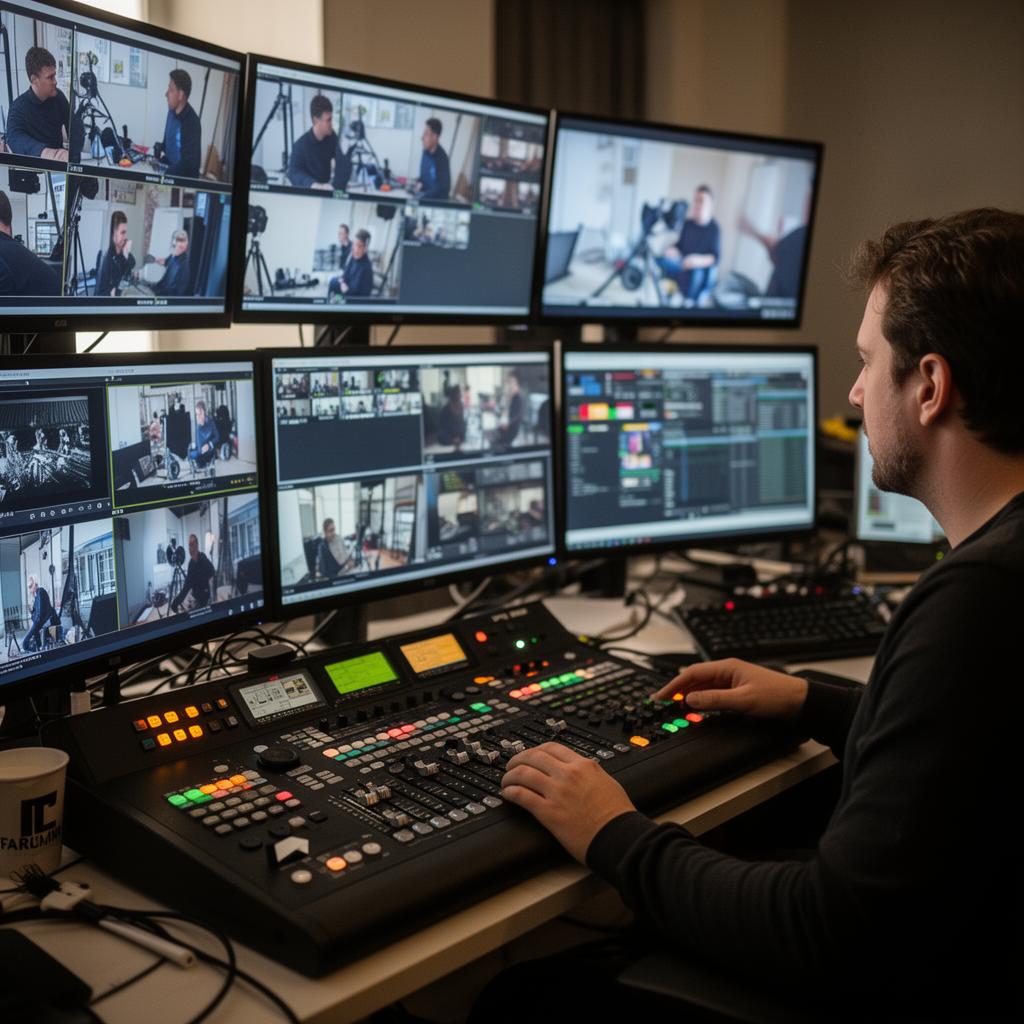
Students become familiar with equipment organization, safe handling, setup procedures, breakdown procedures, and maintaining a professional production environment. That includes case and cart discipline, keeping walkways clear, protecting client property, checking inventory before and after a job, and leaving a room better than the crew found it.
Together with real production scenario training, this is what turns classroom knowledge into a technician a crew chief is willing to put on a call.
Frequently Asked Questions
Do students actually touch the equipment?+
Yes. Students set up, operate, troubleshoot, and break down equipment themselves. Demonstrations are short and always followed by hands-on repetition.
Is equipment shared between students?+
Class sizes are kept small specifically so each student gets meaningful time on each piece of equipment rather than watching from the back of a room.
Do I need to bring my own gear?+
No. Training equipment is provided. Many students eventually buy personal tools and adapters, and instructors advise on sensible first purchases.
More Program Highlights
- 1 Month Intensive TrainingA concentrated month of practical audio, video, and live event production training.Learn More →
- Small Group InstructionDirect instructor interaction, more gear time, and personalized feedback.Learn About Our Training Environment →
- Real Production ScenariosTraining modeled on actual show days, ending with on-site experience.See Real-World Training →
- Possible Job Placement OpportunitiesIndustry exposure through Show Ready Audio Video Services.Explore Career Opportunities →